 Allie Schultz |September 16, 2026 |10 min read
Disclosure: TechZapp earns a commission if you sign up for Make.com through links in this article. It costs you nothing extra, and it does not influence our testing or our conclusions.
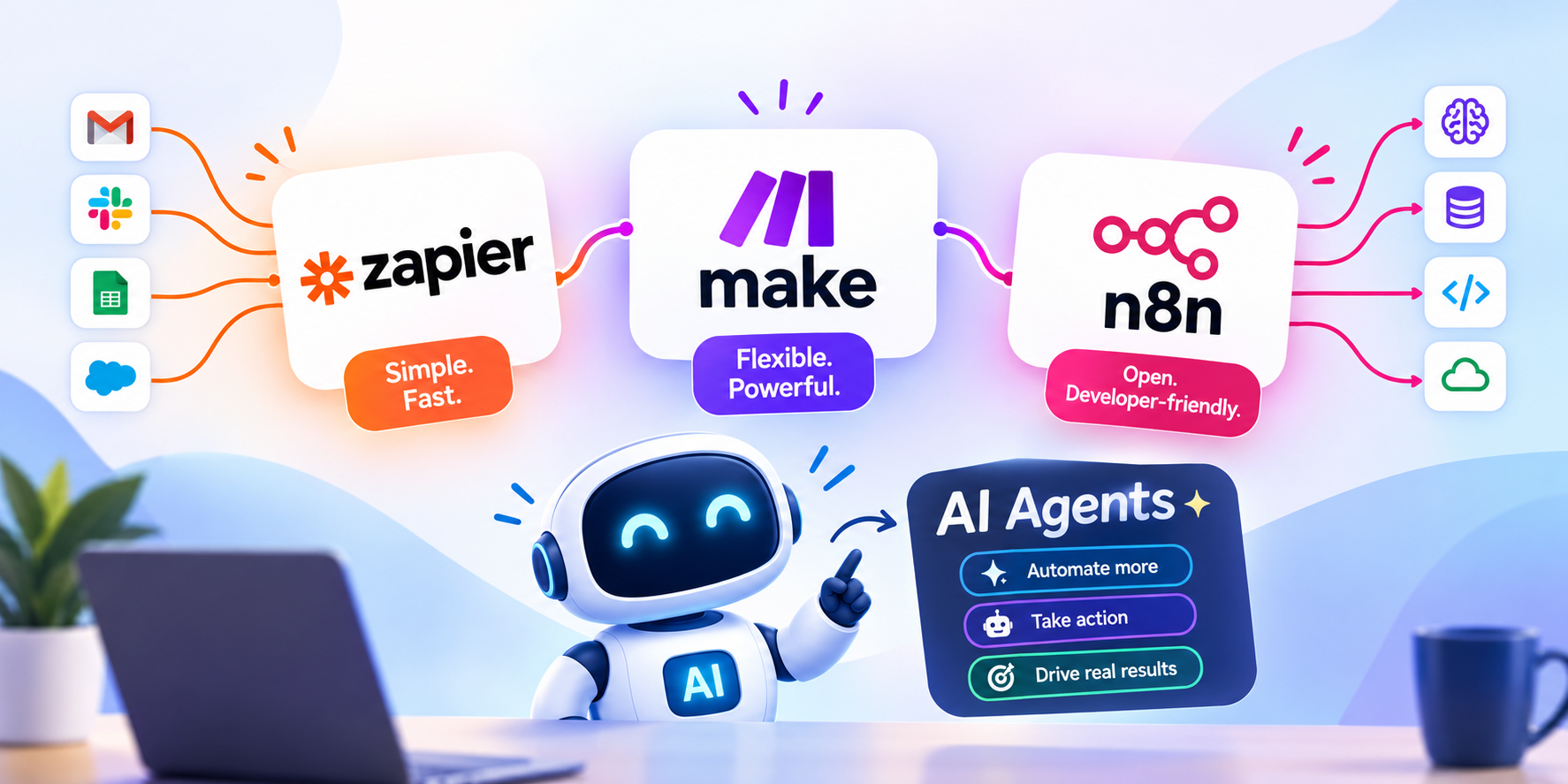
Three tools do most of the world’s business automation: Zapier, Make.com, and n8n. In 2026 all three added something called an AI agent. The marketing around it has been loud and, frankly, confusing.
This guide explains what actually changed, in plain words. No jargon without a translation. By the end you will know which tool fits your situation, and — just as importantly — when the answer is “none of them yet.”
First, what do these tools even do?
Imagine you run a small shop. Every time someone orders, you have to copy their name into a spreadsheet, send them an email, and tell your warehouse to pack the box. Three jobs, every single order, forever.
Automation tools do that copying for you. You set up the rule once — “when an order arrives, do these three things” — and it runs by itself.
That is the whole idea. A robot that does the boring copying.
The words you will keep seeing
- Trigger: the thing that starts it. “A new order arrives.”
- Action: the thing that happens next. “Add a row to the spreadsheet.”
- Workflow (Zapier calls it a Zap, Make calls it a scenario): the whole chain of triggers and actions.
- Integration: a ready-made connection to an app like Gmail or Shopify, so you do not have to build it yourself.
So what is an “AI agent”?
Here is the difference, and it is the most important idea in this article.
A normal workflow follows rules you wrote. You say: “If the invoice is over 500, send it to the manager.” It will do exactly that, every time, forever. It cannot do anything you did not think of in advance.
An AI agent makes a judgement. You say: “Look at this invoice and decide if it needs a manager.” It reads the invoice — the supplier, the wording, whether anything looks unusual — and decides. Including for situations you never wrote a rule for.
A simple way to hold the difference:
- A workflow is a train. It runs on tracks you laid. Reliable, predictable, and it cannot go anywhere new.
- An agent is a taxi driver. You give it a destination and it picks the route. Usually smarter. Occasionally it takes a road you would not have chosen.
That trade is the entire decision. Agents handle messy work that rules cannot describe. In exchange, you give up knowing exactly what will happen every time.
What each platform shipped in 2026
All three arrived at roughly the same place within a few months of each other.
Zapier Agents
Zapier’s strength has always been reach — around 9,000 ready-made app connections, comfortably more than anyone else. Its agents inherit that. If your work involves a long tail of niche tools, Zapier is the most likely to already speak to yours.
Its weakness is also unchanged: it thinks in straight lines. One step, then the next. Once your process branches in several directions at once, building it in Zapier gets awkward.
Make AI Agents
Make.com shipped its agents in February 2026, built into the same visual canvas it already used for scenarios. You see your automation as boxes joined by lines, and an agent is simply another box.
The genuinely useful addition is the Reasoning Panel — it shows you why the agent made the choice it made. That sounds like a small thing. It is not. The most common complaint about AI in production is “it did something odd and nobody can explain why.” Being able to read the reasoning is the difference between debugging a problem and guessing at it.
n8n 2.0
n8n released version 2.0 in January 2026, with around 70 AI-related building blocks. Its defining feature is that you can self-host it — run it on your own server instead of paying per use.
For teams handling sensitive data, or running very high volumes, that matters. Be honest about the cost though: self-hosting is not free. You are trading a subscription for someone’s time to maintain, update, and be woken up when it breaks at 2am.
MCP: the reason all three launched at once
It is not a coincidence that three competitors shipped similar features within months.
Underneath sits something called MCP, the Model Context Protocol. It was created by Anthropic and is now an open standard the wider industry has adopted.
Think of it like USB. Before USB, every device needed its own special plug. Someone agreed on one shape, and suddenly any device worked with any computer.
MCP is that agreed shape, but for AI. It is a standard way for an AI to plug into your tools and data. Once it existed, every platform could offer agents that reach real systems without hand-building each connection.
Each platform has taken it up slightly differently, and the differences are worth knowing:
- Zapier runs a hosted MCP server that is generally available. It lets an outside AI assistant act across its app library — thousands of apps, tens of thousands of possible actions — without you building a workflow at all.
- Make.com has an MCP server in Early Access. The idea is neat: every scenario you have already built becomes a tool your agent can call. Years of existing work turn into agent capabilities with no rebuild. Early Access does mean it may still change, so treat it as promising rather than settled.
- n8n can connect its agents to MCP servers, which fits its general philosophy — fewer guardrails, more assembly required.
Why you should care: it makes switching easier. Automation built on a shared standard is less likely to trap you with one vendor forever. It is also why you can reasonably start on one platform now without fearing you have made a permanent decision.
Everything compared, side by side
The full picture in one place. If you only read one part of this article, read this table — then read the two sections after it, because a couple of these rows need explaining.
| Zapier | Make.com | n8n | |
|---|---|---|---|
| Agent feature | Zapier Agents | Make AI Agents | AI Agent nodes (v2.0) |
| Arrived | 2025 | February 2026 | January 2026 |
| Ready-made app connections | ~9,000 — the most by far | ~2,000 | Fewest, but connects to any API by hand |
| MCP support | Hosted MCP server, generally available | MCP server in Early Access | Connects to MCP servers |
| How you are charged | Per task — every step counts | Per operation — cheaper at volume | Per execution, or nothing if self-hosted |
| Free tier | Yes, limited | Yes, limited | Yes, and unlimited if self-hosted |
| Can you self-host? | No | No | Yes — the main reason to pick it |
| How you build | A list of steps, top to bottom | Boxes joined by lines on a canvas | Boxes joined by lines on a canvas |
| Different paths for different cases | Limited | Strong | Strong |
| Repeating over a list of items | Basic | Strong | Strong |
| What happens when something fails | Automatic retries on paid plans | Retry, skip, or undo — set per step | Fully customisable, but you build it |
| Can you see why the agent decided? | Run logs | Reasoning Panel — shows its thinking | Depends how you set it up |
| Writing your own code | On higher plans | Yes | Yes, with the fewest limits |
| Choosing where data is stored | No | On enterprise plans | Complete — it is your server |
| Difficulty getting started | Easiest — minutes | Moderate — an afternoon | Hardest — expect technical help |
| Ongoing upkeep | None | None | Real, if self-hosted — someone owns the server |
| Best for | Small teams with no developers | Growing teams with real complexity | Technical teams, or strict data rules |
| Main weakness | Costs climb fast as steps multiply | Fewer niche app connections | You are now running a server |
Two rows worth a second look
“Ready-made app connections” matters less than the number suggests. Zapier’s lead here is real and large. But the question is not how many apps a platform supports — it is whether it supports yours. Check your actual five or six tools against each platform’s directory. If they are all common systems, all three will connect, and this row stops mattering entirely.
“Ongoing upkeep” is the row people regret ignoring. Self-hosting n8n removes a subscription and adds a responsibility. Somebody has to apply updates, watch disk space, and respond when it stops at 3am. If that person does not exist by name, the subscription was cheaper.
A note on pricing
We have deliberately not printed a price table. All three change their pricing regularly, and a number published today would mislead you in three months.
What is stable is the shape of the pricing, and that is what actually decides your bill:
- Zapier counts tasks. Every step in every run costs one. An eight-step workflow running 1,000 times is 8,000 tasks — not 1,000.
- Make counts operations, which are individually much cheaper. The catch people miss: a loop over 50 items uses 50 operations, not one. Estimate on your busiest workflow, not your simplest.
- n8n charges per execution, or nothing at all if you host it yourself — plus the real cost of the person maintaining the server.
Do this before you commit: take your single highest-volume process, count the steps, multiply by how often it runs in a month, and check that number against each platform’s current calculator. That five-minute exercise is worth more than any comparison article, including this one.
Which should you choose?
Choose Zapier if you have no developers, you want something working this afternoon, and your workflows are short. It is the safest first step.
Choose Make.com if your processes have real branching — different paths for different customers, loops over lists of items, several systems that must stay in step. Its visual canvas is where complexity stops being painful, and the Reasoning Panel matters once agents are making live decisions.
Choose n8n if you have technical people, your data cannot leave your own servers, or your volume is high enough that per-run pricing hurts. Go in knowing you have adopted a system someone must look after.
When you should not use an agent at all
This is the part most comparison articles skip, and it will save you more money than picking the right platform.
If you can write the rule down, write the rule. A plain workflow that always does the same thing is cheaper, faster, and easier to fix. Use an agent only where the judgement genuinely cannot be expressed as a rule.
Never let an agent take an irreversible action unsupervised. Sending money, deleting records, emailing customers — put a human approval step in front of it. The industry is enthusiastic about fully autonomous processes right now. In production, the systems that survive are the ones that stop and ask before doing something that cannot be undone.
Fix the process before automating it. Automating a broken process just produces broken results faster. If nobody can explain how the work happens today, that is the problem to solve first.
Common questions
Do I need to know how to code?
Not for Zapier or Make.com. Both are built for people who do not code. n8n is usable without code, but you will want technical help for setup and hosting.
Can I move from one to another later?
Partly. The thinking transfers; the build does not. There is no clean export from one into another, so expect to rebuild. This is why testing your real workflow on a free tier first is worth the afternoon.
Are AI agents reliable enough for real work?
For reading, sorting, summarising, and routing — yes, with checks. For anything that moves money or touches a customer without review — not yet. Treat an agent like a capable new starter: useful immediately, but you check the work before it goes out.
Is self-hosting actually cheaper?
Only at scale. The subscription disappears; the maintenance does not. Below serious volume, a managed platform is almost always cheaper once you count the hours.
The short version
All three platforms now do agents, and all three do them competently. The differences that will actually affect you are the old ones: how many apps it reaches, how well it handles complexity, how it charges, and whether you can see why it did what it did.
Start with the process, not the platform. Map what your team does by hand today, find the step that wastes the most time, and automate that one thing. The right tool becomes obvious once you know precisely what you are asking it to do.
And begin with rules. Add agents only where judgement is genuinely needed — which is rarer than the marketing suggests.